
Layerpath
Create product demos and training videos in minutes—record once, export interactive tours or videos.
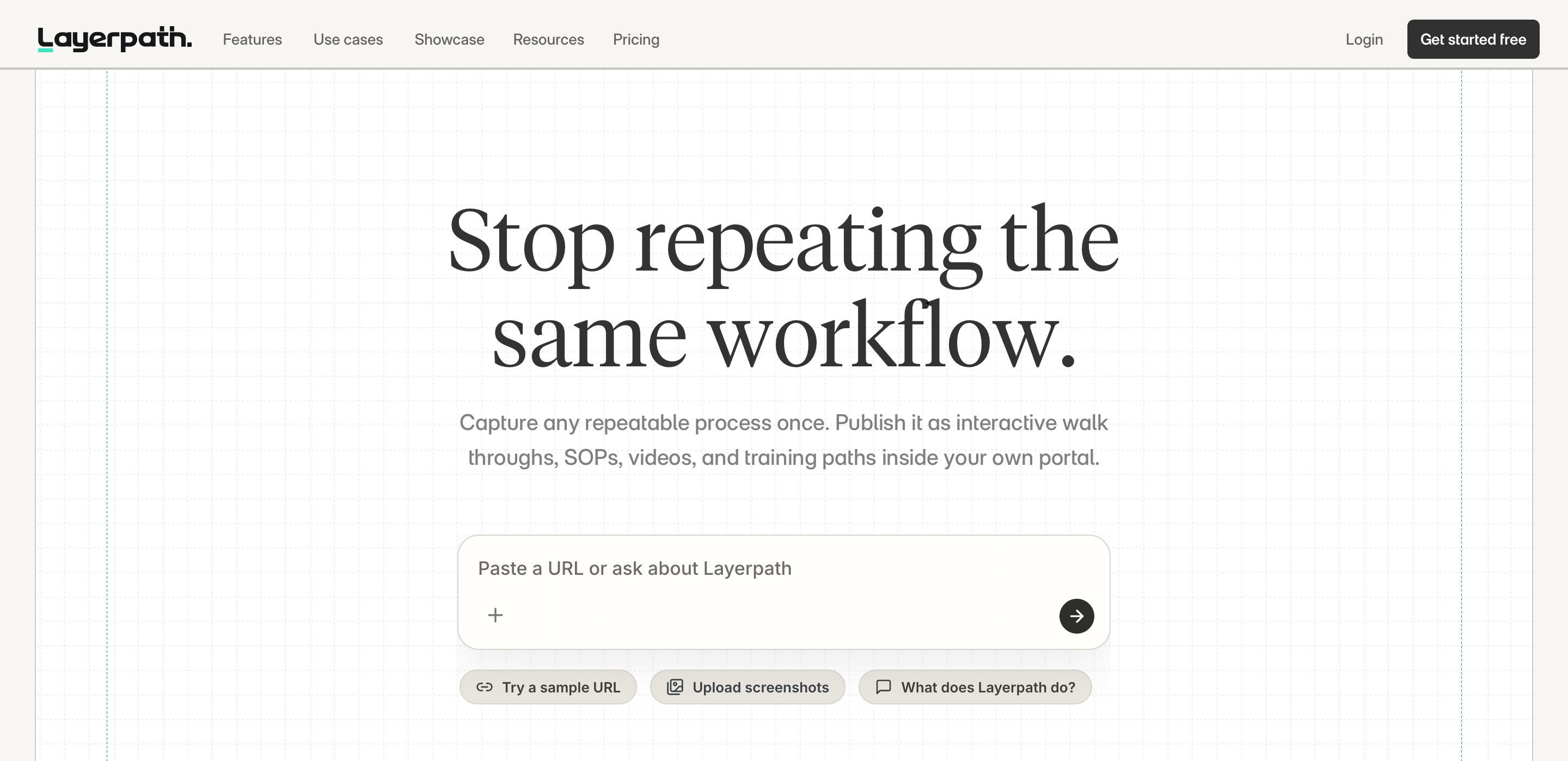
About Layerpath
Layerpath turns screen recordings, training clips, and product demos into structured, update-friendly interactive guides and training paths. It ingests videos or images, automatically extracts the workflow steps, and publishes as interactive tours or standard videos. You can update individual steps without re-recording and add multi-language voiceovers for global teams.
Features
- Record your screen to capture a real workflow; Layerpath turns it into structured steps.
- Upload videos (e.g., Loom, Zoom) or training clips; Layerpath extracts the steps and builds a guide, SOP, or training path.
- Upload images and stitch them into a workflow with callouts and voiceover after.
- Magic editor / Prompt-driven refinements: rewrite steps, adjust callouts, remove noise, and improve output.
- Multi-language voiceover: generate training voiceovers in 28 languages and 100+ voices.
- Update one step, one screenshot, or one instruction without starting over; keep the source alive as the workflow evolves.
- Insights: see who completed training, where people drop off, and how to improve steps.
Who Is It For?
- Teams needing step-by-step product demos and training guides.
- People seeking interactive, skimmable guides or watchable training videos.
- Content creators who want to update training content without re-recording.
Use Cases
- Create interactive demos, SOPs, and training paths from existing videos and images.
- Publish as interactive tours or standard videos for onboarding and training.
- Update workflows incrementally as products and processes evolve.
Get started with Layerpath